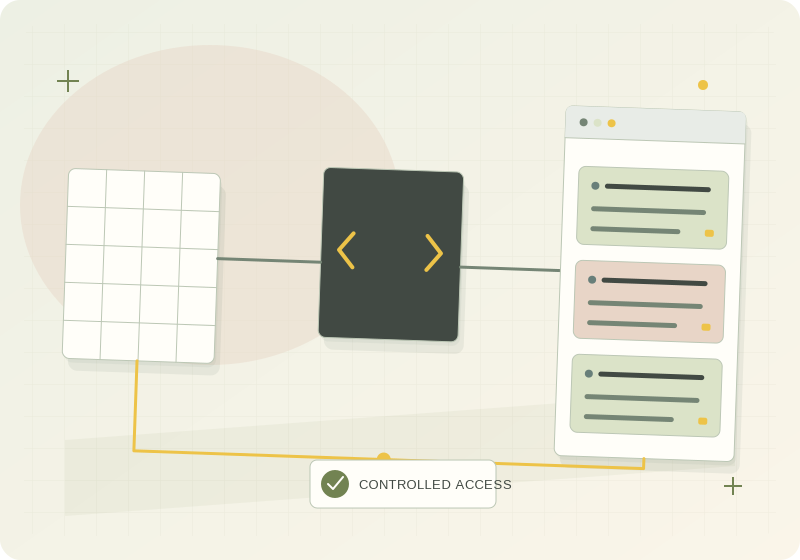
A spreadsheet is often the right place to start. It is flexible, familiar and useful for exploring a process before investing in software.
The question is not whether spreadsheets are bad. It is whether the current workflow is dependable enough for the business.
Look for recurring problems, not just inconvenience
Useful warning signs include several people updating conflicting copies, important changes being overwritten, repeated manual checking and staff being unable to tell which record is current.
Other problems can be harder to manage in a shared sheet: different access permissions, approvals, a reliable history of changes or customer-facing access.
These are reasons to investigate, not automatic proof that you need a bespoke application. An improved shared spreadsheet or an existing product may solve them.
Describe the process before choosing the tool
Write down what happens from the first request to completion. Identify who enters information, who checks it and what exceptions occur.
For an illustrative quote-management workflow, that might mean recording an enquiry, preparing a quote, approving a price and tracking acceptance. The useful requirements are the steps and rules, not a dashboard copied from another system.
List the consequences of mistakes. A duplicated task is different from a duplicated payment. That distinction influences validation, approval steps and the level of operational support needed.
Compare four options
- Improve the existing spreadsheet. Simplify formulas, agree ownership and reduce unnecessary copies.
- Use an existing product. Check whether a CRM, booking tool or work-management application supports the important workflow.
- Connect existing tools. An integration may remove repeated copying without replacing everything.
- Build custom software. Consider this when valuable requirements cannot be supported well by the alternatives.
Compare the whole cost: subscriptions, setup, staff training, data migration, maintenance and the consequences of failures. Bespoke development is not automatically cheaper or quicker.
Start with the smallest useful workflow
An initial release should solve a defined problem for identifiable users. Agree what those users need to create, view and change, along with the criteria for accepting the work.
Plan access control, validation and import checks before moving real records. Keep a copy of the original data and reconcile the migrated results. Do not switch off the old process until the replacement has been tested.
Plan for ownership after launch
An application needs a named owner, hosting, updates, backups and a route for reporting problems. Agree who can export the data and how another developer could take over.
The decision should be based on a useful improvement to a real process, not a promise of guaranteed savings.
Explore our bespoke software development or automation and integrations services. If you are unsure which route fits, describe the workflow you want to improve.